Crash Dump Using BMC
In the event of a processor internal error (IERR) that crashes your system, you may want to provide information to support staff. You can download a crash dump of status information using BMC. The BMC manual is available at the following page:
Checking the BMC Error Log
-
Access the BMC web interface.
-
Click the Server Health tab, then Event Log to verify an IERR error.
-
In the event of an IERR, the BMC executes a crash dump. You must download the crash dump and save it.
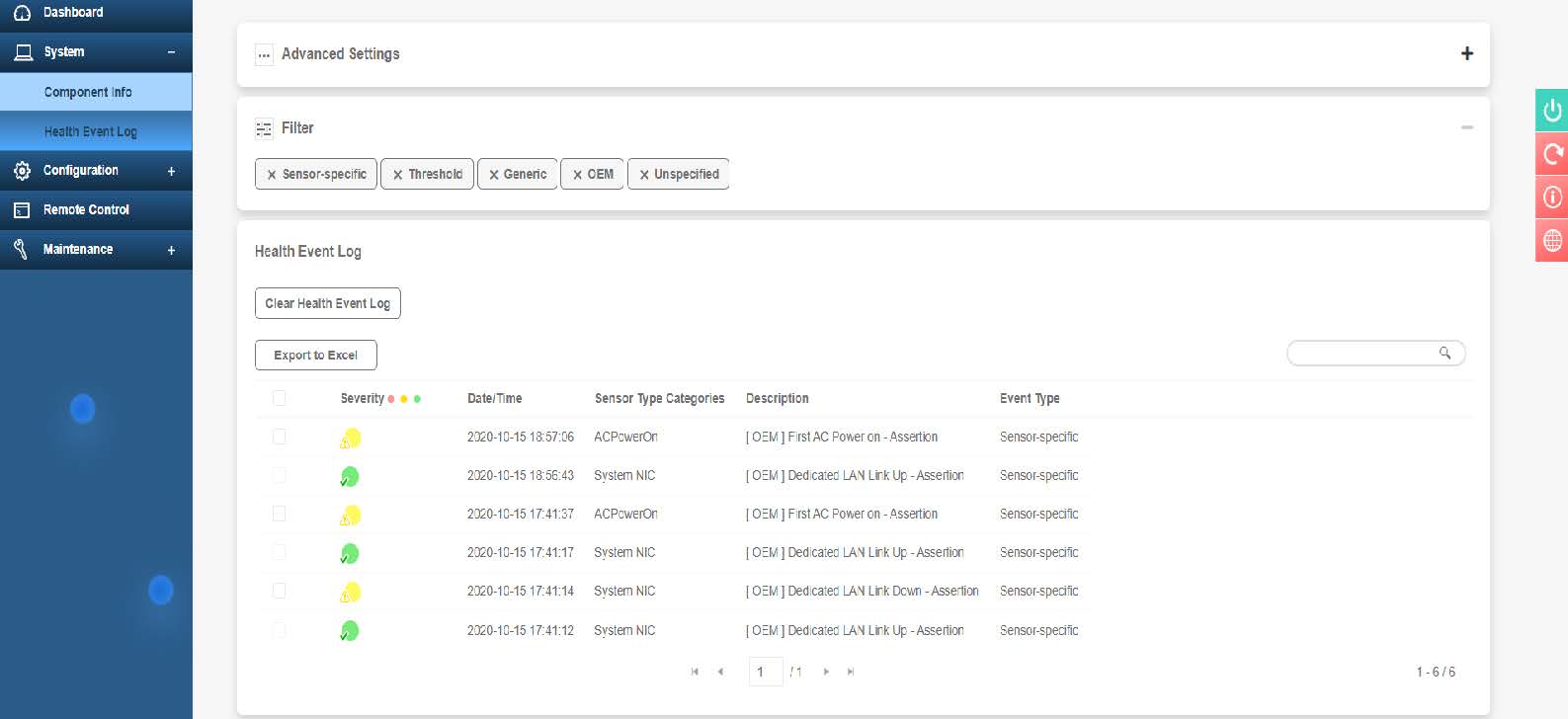
Figure 88. BMC Event Log